
Name-Based Case Searches
Start with New Mexico Courts Case Lookup. It is the free public entry point for an Otero County docket search. Its August 2026 landing screen puts an image-code prompt and a submit control in front of the live fields. Finish the captcha first. The labels in the live session are the ones to follow. Coverage spans appellate, district, magistrate, metropolitan, and municipal case information. You get a docket or register summary. You do not get copies of filings.
Older official help is still worth a look before you type. First and last name form the basic search; a middle name is optional. A first-name fragment plus an asterisk could widen a legacy query. For a common name, more limits could narrow things down. A date of birth, court type, court location, case category, and date limits could help. Enter only what belongs on the official form. The current captcha page shows none of these older labels. Treat them as legacy tips rather than guaranteed current controls. When results appear, keep the Otero County court listed beside each plausible match. Use it for your Otero County court docket.
- Copy the person’s name from the court paper and identify whether the matter is likely district, magistrate, or municipal.
- Open Case Lookup, complete the image-code prompt, and use the live name-search controls if they are offered.
- For a broad result list, narrow with the court, location, category, or date choices that the live portal displays.
- Read the case number and court on a plausible result before treating it as the intended Otero County case.
- If the portal will not advance or the match remains unclear, call the clerk that keeps the Otero County docket.
Otero Court Types Before Search
A name alone can cross court lines. Otero County District Court holds the heavy files. It serves the Twelfth Judicial District with felonies, major civil cases, family and juvenile matters, name changes, and protection orders. Alamogordo Magistrate Court is separate. Its docket covers misdemeanors, DWI, traffic, civil matters under $10,000, and felony preliminary proceedings. Alamogordo, Cloudcroft, and Tularosa each run a municipal court. Each city clerk keeps its own ordinance and traffic dockets.
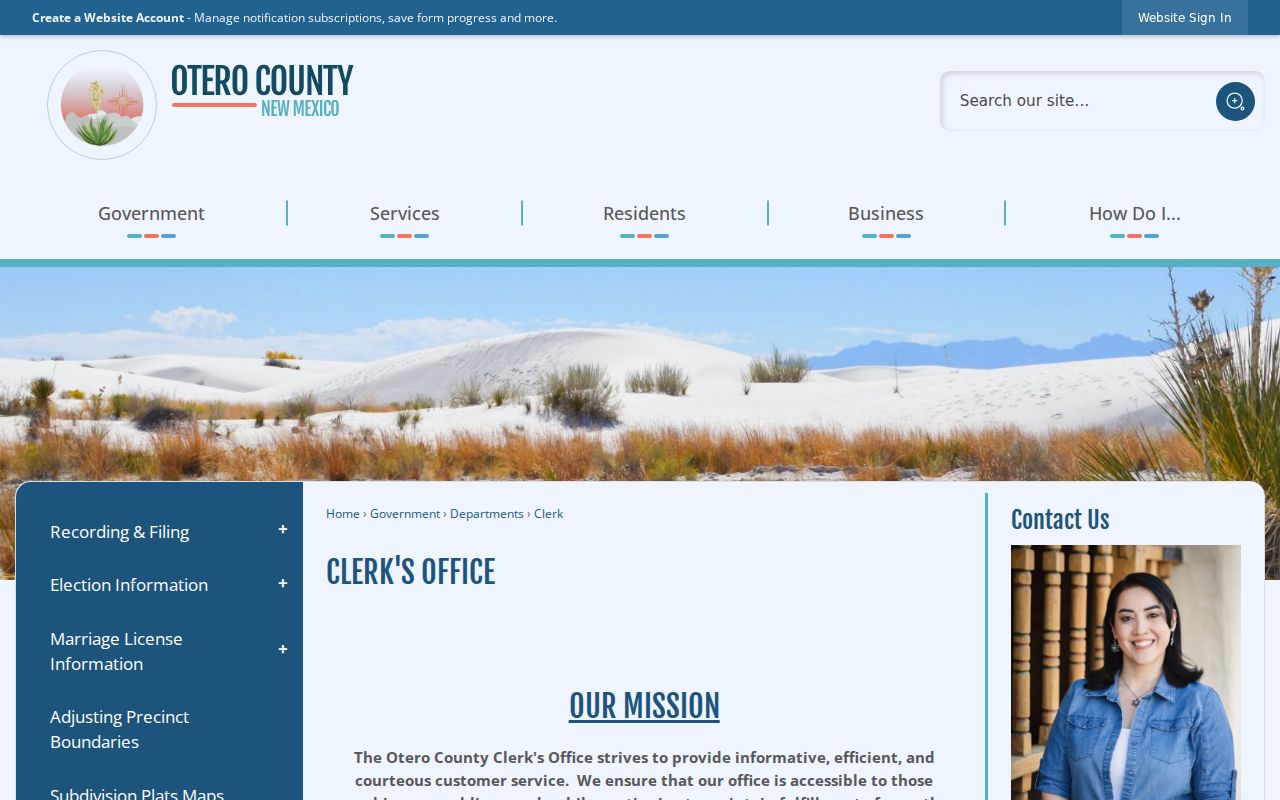
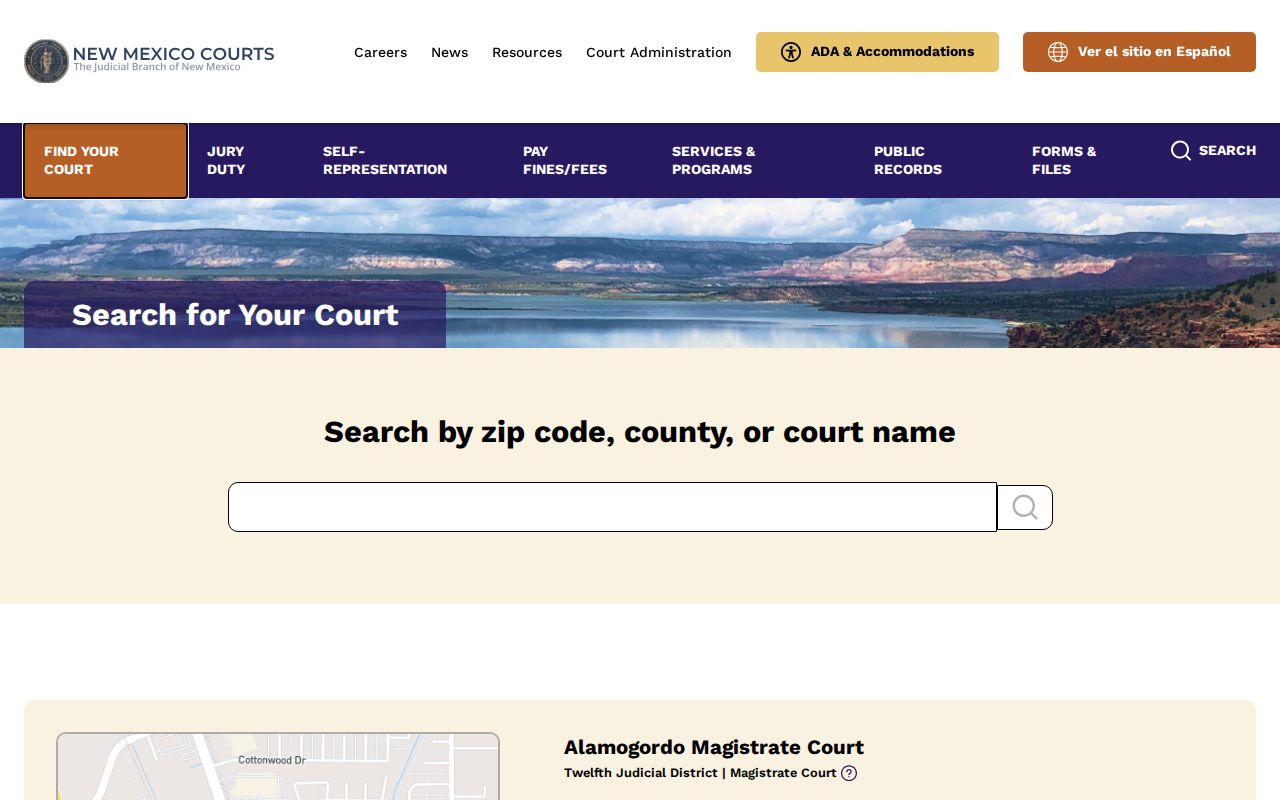
The paper may not name the court clearly. The New Mexico court finder helps there. Beware one trap. The county recording and elections office differs from the District Court Clerk's Office, though both use the word clerk. Sending a district criminal or civil docket to the Otero County Clerk is a routing error that wastes time.
Otero County's Clerk page states that county-office mission plainly, and the distinction keeps an Otero County case search pointed at the office that can actually locate the register.
Know the court type first. For a judicial docket, the District, Magistrate, or municipal clerk is the better contact.
Case Number Searches
A full case number is the sharpest Otero County docket search key. New Mexico numbers have five parts. The legacy instructions give D-101-CR-200600001 as a sample. It runs court level, location identifier, case category, four-digit year, then sequence. It is a format example, not an Otero location code. Copy the whole number exactly from a citation, notice, order, or clerk communication. Never rebuild one from memory.
The legacy terms include category shortcuts. CR means criminal, CV means civil, and TR means traffic. The old Case Number Search expected a full number and could split it into parts. Current portal labels may differ. Use these terms to read older records rather than to predict a specific button. Older Otero County records reward the full number.
Otero Docket Search by City Citation
A city ticket needs a city-court check before any District Court search. Alamogordo, Tularosa, and Cloudcroft municipal courts each keep their own ordinance and local traffic dockets. Case Lookup works as a statewide cross-check. Its municipal coverage is limited. A missing result never disproves the court named on the ticket. Read the ticket first. The court, citation number, and appearance details matter most. For a current city setting, a payment question, or a copy request, use that municipal clerk's phone or counter. A call or counter visit works. State Magistrate traffic and misdemeanor cases answer to a different clerk, even when the event happened inside an Otero municipality.
Otero Case Lookup Search Fields
Treat the live Case Lookup screen with care. The image-code check is the certain control. Beyond it, the portal may not show every field. The table preserves the official legacy field vocabulary, kept apart from what the current screen visibly offers. That separation prepares an Otero County search without pretending the portal still exposes every field.
| Channel or Field | Use | Research status |
|---|---|---|
| Current captcha/image code | Advance from the Case Lookup landing screen | Required to proceed in the observed public screen |
| Legacy Name Search | First and last name, with middle name optional | Historic official vocabulary; verify live labels |
| Legacy court and category filters | Limit by court type, location, CR, CV, or TR | Optional in legacy form |
| Legacy date controls | Apply filing-date or hearing-date ranges | Conditional in legacy form |
| re:SearchNM login | Registered, profile-based access | Account required; live fields were not publicly inspected |
Never enter sensitive identifiers needlessly. A legacy screen once listed them, but public-access rules shield many identifiers. A current public search may not need them. The smart Otero County docket search uses the least sensitive detail that still pins down the right Otero County case.
Note: A failed captcha is an access problem. It is not evidence that an Otero County case does not exist.
Case Search Results Explained
Read an Otero County result as a running log of what the court file shows. The clerk keeps this register of actions. It can list the case number, the court, the case category, the filing date, and the parties or public caption. You may also see the current status or disposition, entries in order, and hearing dates. Some entries point to a linked matter. Others point to an appeal. Otero County publishes no code list explaining every local abbreviation. A short code may puzzle you. When it does, ask the clerk instead of guessing.
| Case header | Number, court/location, category, and filing date when public. |
|---|---|
| Register activity | Dated filings, notices, hearings, orders, pleas, judgments, or disposition events. |
| Setting details | Date, time, division, courtroom, judge, and setting type only where the record displays them. |
| Document access | Case Lookup is not generally an online repository for complaints, orders, or other filed papers. |
Need the filing, judgment, order, or audio itself? Not just the docket line? Request a clerk copy through the Otero County court case records page. That page walks through the copy process. It keeps a register search and a document request from being confused with each other.
Otero Docket Number Pattern Limits
Treat the five-part legacy pattern as a search aid only. It is not a tool for guessing missing pieces. The current location code is unconfirmed for Otero District. The same holds for the Alamogordo Magistrate Court. Tularosa Municipal appears only as a historic example, and that proves nothing about another Otero court's code. Pair an incomplete number with a verified court and name. Never reconstruct one on your own.
Useful check: Copy the exact full number from the court paper, then compare the court name and category in the returned Otero County docket before relying on a result.
The historical search form also mentioned a results-per-page selector and a way to narrow names to a case-number pattern. Those were features of an older public interface. They are not promises about the current one. Before trusting any legacy Otero County field, check today's labels.
Two Ways to Search: County and State
Case Lookup is the free statewide channel. It covers public case-register information across the court levels it includes. Otero County itself publishes no separate all-case search portal through the District Clerk. For a hearing in the next week, the Twelfth Judicial District hearing schedule hub is a separate calendar route. That hub lists the current day plus the six days after it. It is not a historical case-search database.
re:SearchNM is the other state-level route. It works differently. Access requires a registered account. Case Lookup is anonymous and free. The official access explanation states that SOPA accounts moved to re:SearchNM on April 7, 2023. Access there is set by account and profile. It may open broader civil, criminal, family, probate, district, magistrate, metropolitan, and appellate material. No public source lists a per-document price, and no source promises documents to every user. Treat it as one option among Otero County court records. It is not a guaranteed document service for Otero County.
| Route | Best use | Limit |
|---|---|---|
| Case Lookup | Free Otero County register summary | Captcha; no general document-image service |
| Otero schedules | Current district or magistrate hearing leads | Seven-day window and omission disclaimer |
| re:SearchNM | Registered profile-based access | Login required; scope varies by profile |
| Clerk or municipal court | Missing, city, older, or copy questions | Custodian and access rules control |
Otero Docket Search Access Profiles
Free Case Lookup and registered re:SearchNM answer different questions. Start with the free one. Have a name or case number? It gives a public docket summary fast. The official public-access explanation ties re:SearchNM access to your account and profile. That rule followed the SOPA migration. A registered account can open a broader layer of court records. It still cannot unseal sealed material. It does not guarantee documents to every account.
When the register lacks a filing you need, name the court. Ask its clerk about the document, inspection, or an authorized registered-access route. That distinction matters. A search result is one thing; an official record request is another.
Otero Register and Document Gap
A public docket line and a filed paper sit at different layers. The register only records that something was filed, set, ordered, or decided. The document itself may take an Otero clerk request. Think complaint, indictment, motion, judgment, exhibit, or hearing audio. Copy costs or access limits can apply. The public Case Lookup policy also draws lines between public access, redaction, sealing, digitization gaps, and bulk downloading limits.
For an upcoming setting, weigh the case result against the actual notice. Check the Otero District or Magistrate schedule too. That schedule warns its details may omit things, and the court makes no warranty. Conflicting sources? A written notice, a current docket entry, or direct confirmation from the court wins. It beats a stale calendar line every time. An Otero County schedule line is just one lead toward a real docket confirmation.
Which Cases Stay Restricted
Rule 1-079 NMRA presumes court records are public. Docket entries are included. Protection comes only from a rule, statute, or court order. The online access policy then carves out redacted, sealed, and confidential material. Public results can come back blank, redacted, omitted, or marked restricted. Treat a missing name as an access question. It is not proof that no Otero County case exists.
The official access information limits juvenile criminal display. It also limits Family Violence Protection Act order cases, and municipal data stays limited. Protected identifiers get special treatment. Only the last four digits of Social Security, tax, financial-account, and driver-license numbers may appear. Only the year of birth shows. A docket search is not a way around those protections. Otero County access follows the same restrictions.
Otero Clerk Search Fallbacks
When the online docket search comes up empty, pick up the phone. The Otero District Court clerk answers at 575-437-7310. The copies desk sits at extension 112. For a Magistrate Division matter, the number is 575-437-9000. Confirm with the right clerk that the file actually belongs to that court. An older record may need a different request route. An unsealed one may still be open to inspection. Staff can explain how access works. They cannot offer legal advice or hand out protected material.
Two age rules shape the request. State guidance routes records before 1997 through an online request path. The District's published questions page notes that files older than five years may sit on microfilm. Give the clerk the court and the names. Add the case number if you have it. Include a rough filing date and whether a microfilm copy will do. If the ordinary lookup fails, take the formal route. A narrowly written request through the New Mexico Courts IPRA portal goes to the judicial custodian. Name the Otero County court. Describe the Otero County record you want.
A case tied to a city citation is a different animal. The state court finder lists municipal court types and contacts. City clerks keep those ticket files, not the District Clerk. That official page shows which court holds the file you need.
Sometimes no public Otero County docket search can tell you which office holds the file. A direct call or counter visit to the court itself is then the practical final step for a case lookup.
Otero Docket Search for Older Files
Older Otero County files change the search picture. State guidance sends records before 1997 through an online request path, and the Otero District FAQ warns that files older than five years may live on microfilm. Neither statement tells you the storage medium for your particular case, so the filing year, the court, and the full case number remain the best opening for a clerk conversation.
Ask concrete questions. Can an unsealed file be inspected or copied? Is microfilm an option? What details will pin down the record? One caution matters most: an absent online entry is not a disposition, and it does not mean the court holds no history for the matter.